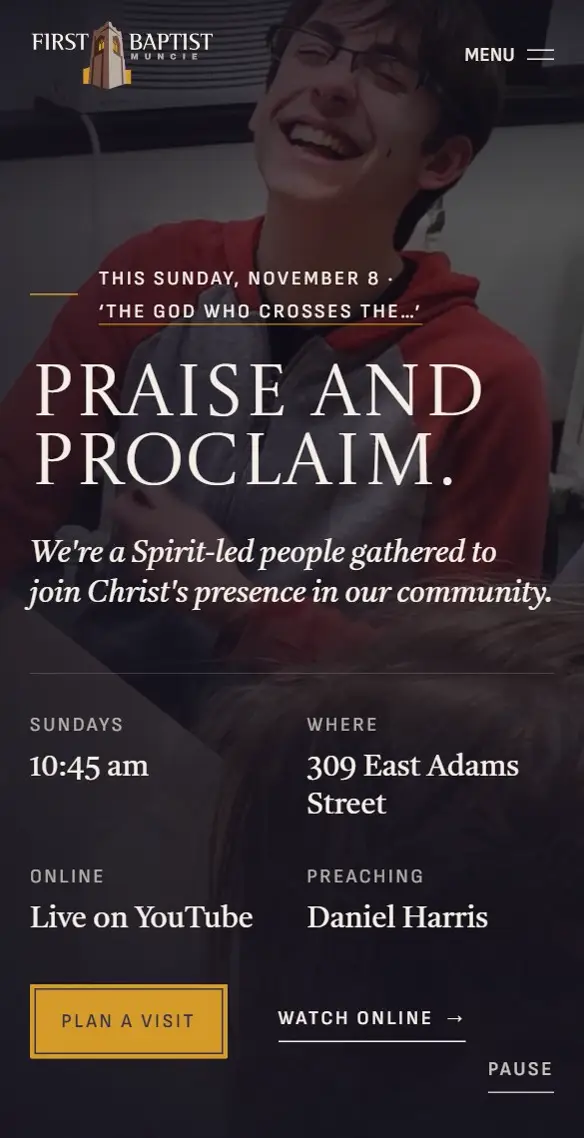
Make the first visit easy
A first-time visitor should know the time, the place and how the morning runs before they arrive. So the service times, the address and a plain what-to-expect page come first, ahead of everything the members already know.
Taking new projects
Talk to Nathan
in Cincinnati
The first conversation is free and ends with an honest ballpark.
Start a projectEvery church site I build starts with the person who has never been inside: when the service is, how to get there, and what happens when they walk in. Then it has to work for the people who keep it running, so the staff can post the week’s news without waiting on a developer.
Church life is family life for me. My grandfather was a Presbyterian pastor and my brother is a Baptist one. My wife is a Presbyterian pastor too, as were her father and grandfather. Every week I work alongside church staff on AV, photography and graphics, so I see what lands on their desks between Sundays.
A first-time visitor should know the time, the place and how the morning runs before they arrive. So the service times, the address and a plain what-to-expect page come first, ahead of everything the members already know.
I match the site to whoever keeps it up after launch. One church got a custom build where the staff edit the pages and see each change before it goes live. Another got Wix, because its communications team wanted to own every page. Either way, the bulletin, the events and the news go up without me.
A church building is busy all week, and a church has a history worth keeping. On the sites below that meant one form for booking the building, a page about the building itself, and an old blog brought across with every post at its address.
Every custom build is checked against the accessibility standard most public bodies use (WCAG 2.2 AA), so people who use screen readers or have poor eyesight can use it too. That work is part of the price, not an extra. For a church it is simply the right thing to do.
Try it
This is the real First Baptist Muncie homepage on a phone. Tap a question and the page scrolls to its answer, so you can see how far a visitor would have to look.
Tap a question
Found it on the first screen, under Sundays and Where, before anything else.
Found it about 1 scroll down, under What to expect: who meets you and where they point you.
Found it about 1 scroll down, under What to expect: the whole morning in order, with the times.
Found it about 2 scrolls down, in the note on nursery care, before you have to ask anyone.
A first Sunday laid out in order, from the front door to worship
The church's pages, posts and photos in one place the staff can edit, live on fbcmuncie.org since October 2026.
… But Nathan made navigating the process as easy and stress-free as possible. …
The idea of recreating our church's website felt daunting and overwhelming to me. But Nathan made navigating the process as easy and stress-free as possible. He communicates clearly, works fast, and has a high attention to detail. Much to my surprise, Nathan actually made the website relaunch a fun and exciting time for our church!

Kendall Ellis, M.Div., MSW Co-Pastor, First Baptist Church (Muncie) Written in 2025 about the church's earlier site, which I also built. They came back for this rebuild in 2026.
Book the building through one form, not an inbox
Worship, ministry, giving, and building reservations organized for visitors and members alike.
… If you want a website that looks great, works hard, and truly serves your mission, reach out to Nathan.
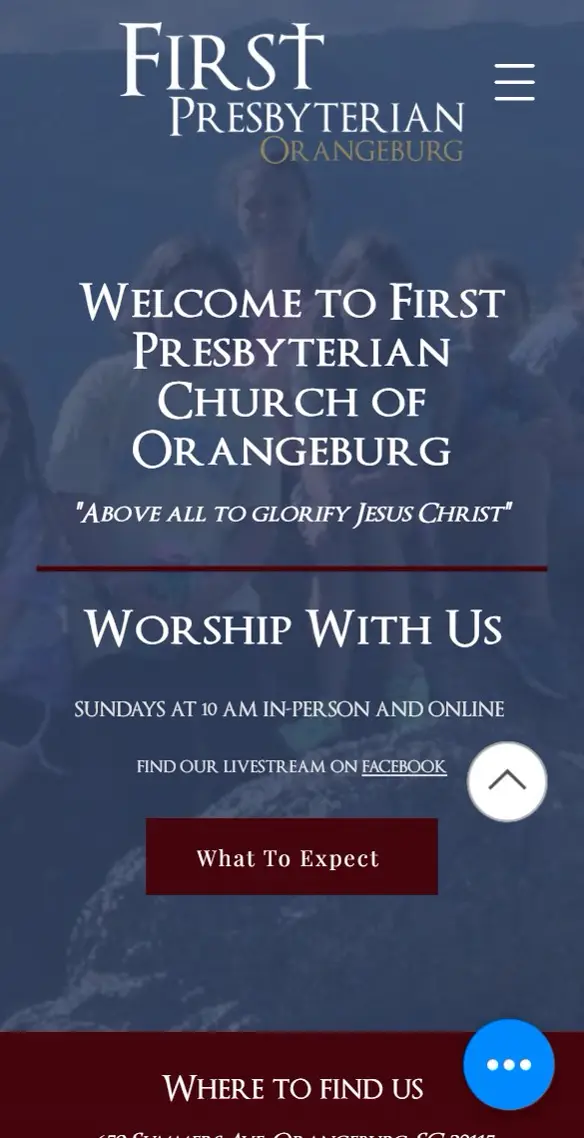
At First Presbyterian Church of Orangeburg, Nathan took our outdated website and rebuilt it into something flexible, easy to use, and beautiful. When he finished, it looked fantastic! … He’s responsive, he communicates promptly, and he consistently goes the extra mile. … If you want a website that looks great, works hard, and truly serves your mission, reach out to Nathan.

Clark Remsburg Senior Pastor, First Presbyterian Church of Orangeburg Shortened from his 2026 Google review, which covers this site and Theology Matters. The link opens all of it.
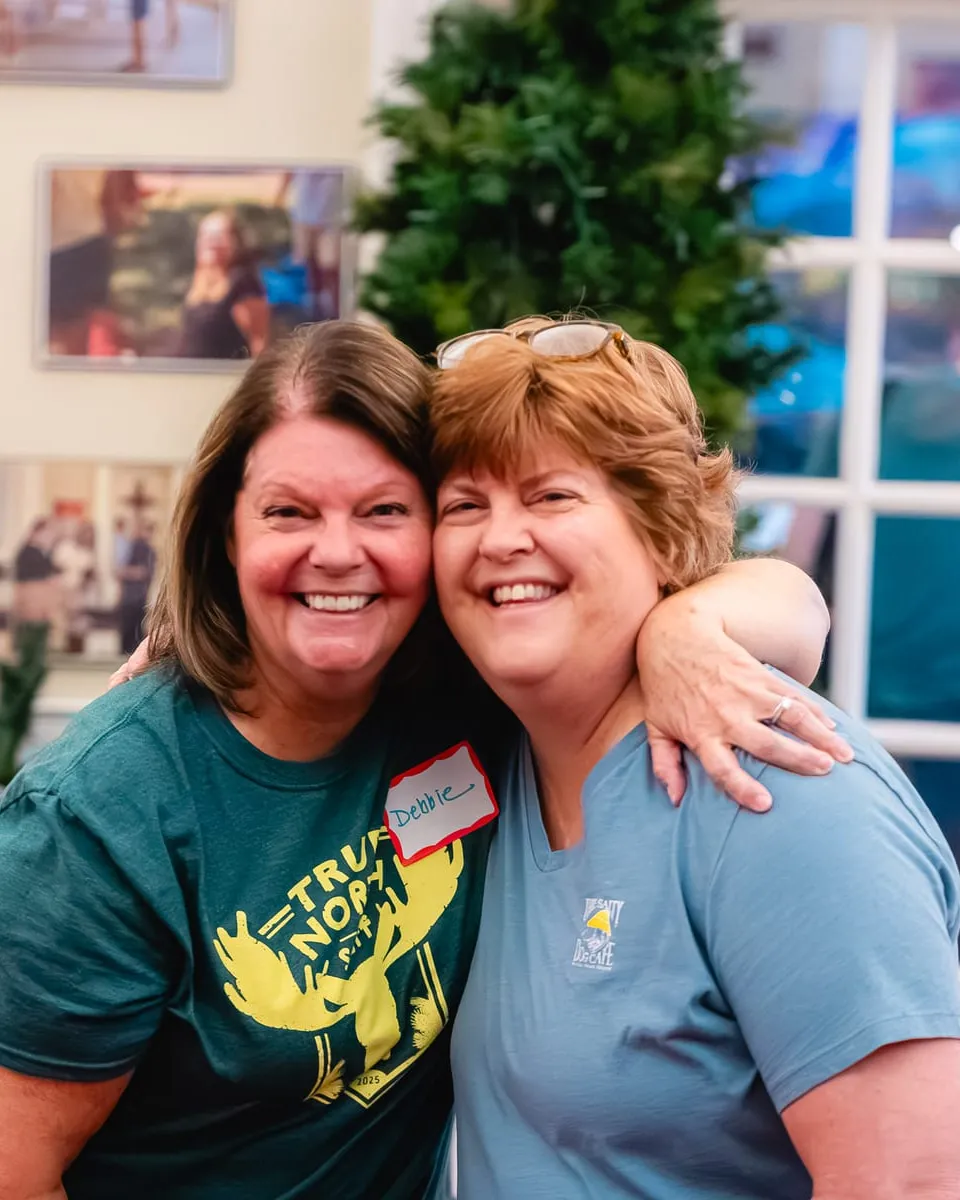
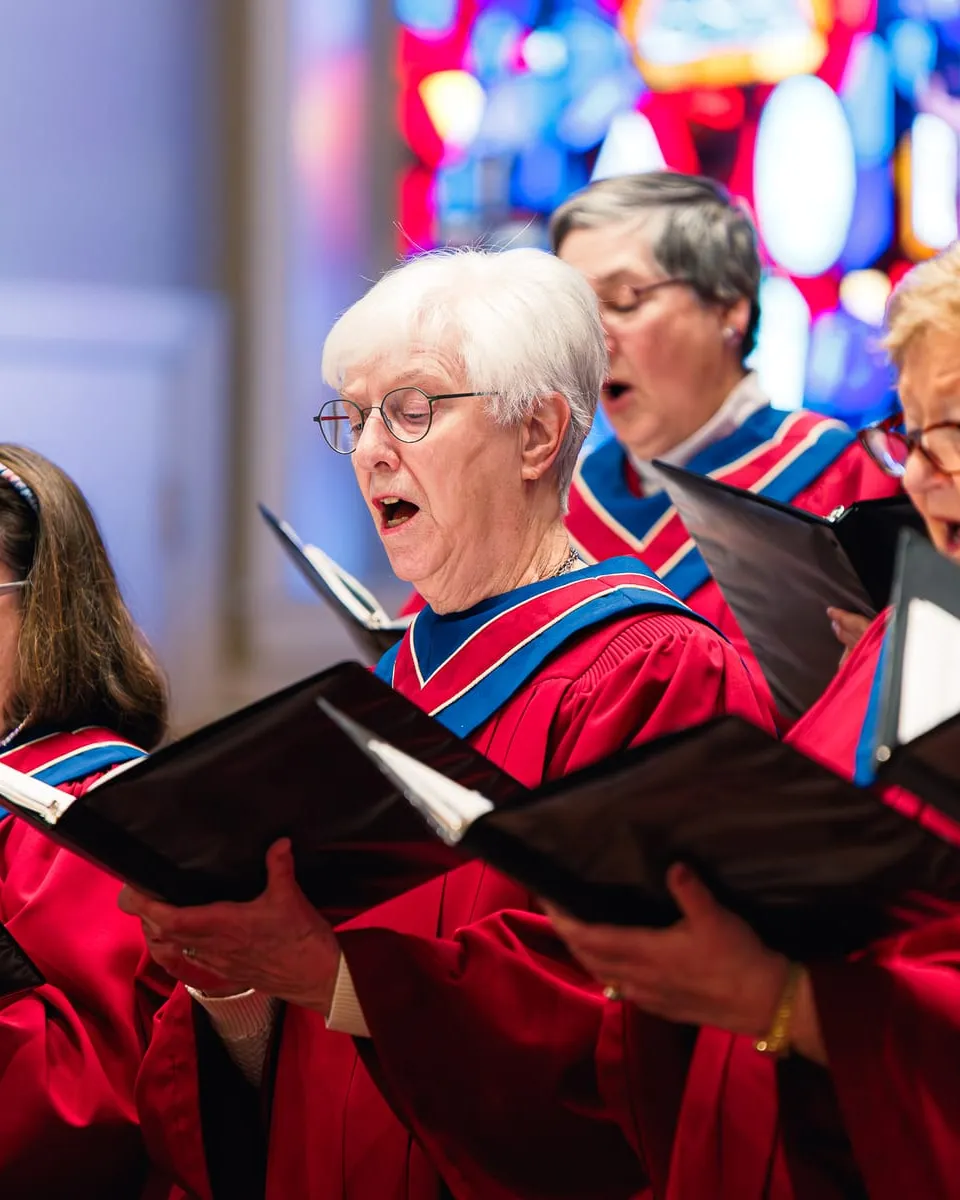
I also photograph and film church life, from Sunday worship to VBS, for the church's own socials, website and print.

Photography and video for the church
… He is THE best that we've ever worked with!
Nathan is exceptional with listening to our needs and vision then creating pictures and videos that beautifully capture our events/VBS/special moments that have been used for our socials, website, print and internal communications. He is THE best that we've ever worked with!

Jessica Sams Director of Communications, Crestview Presbyterian Church
A small staff and one part-time administrator, with everything a first-time visitor needs done right.
From $3,500
Several ministries, and a staff or volunteer team who post the news and events themselves.
From $6,500
Many editors, plus custom tools, links to the church database or other systems you use, or reports for an elder board.
From $12,500
See what each tier costs over five years, or forward a one-page summary to whoever has to say yes.
Church Center is free, and most of what your website needs from Planning Center comes through it. The giving form, People forms and the calendar can be embedded, while groups, event signups and the directory are links. Giving, Registrations, Groups and Calendar each have a free tier, then run $15 to $239 a month by size.
A DIY builder like Squarespace runs about $19 to $29 a month, roughly $1,100 to $1,800 over five years. Church platforms like Nucleus and Ekklesia 360 run $65 to $199 a month. A custom build from me starts at $3,500, then $200 a year for hosting, so about $4,300 over five years.
Google says AI Overviews and AI Mode use its normal ranking systems and have no extra requirements: your pages must be indexed and allowed to show a snippet. It does not use llms.txt and needs no special schema. For ChatGPT search, allow OpenAI's OAI-SearchBot in robots.txt. After that, plain, first-hand pages about your church do the work.
Squarespace is cheapest and easiest for a small church with one volunteer, at $19 to $29 a month. WordPress is flexible and portable but needs someone to keep plugins updated. A custom build starts around $3,500 from me and suits churches with a team, Planning Center, or accessibility needs.
More plain answers, with the sources linked, in the journal.
Three starting points
Every site is custom. The difference is scope.
See what each one includesLaunch includes
Signature includes
Flagship includes